
Corporate Mobile App Development
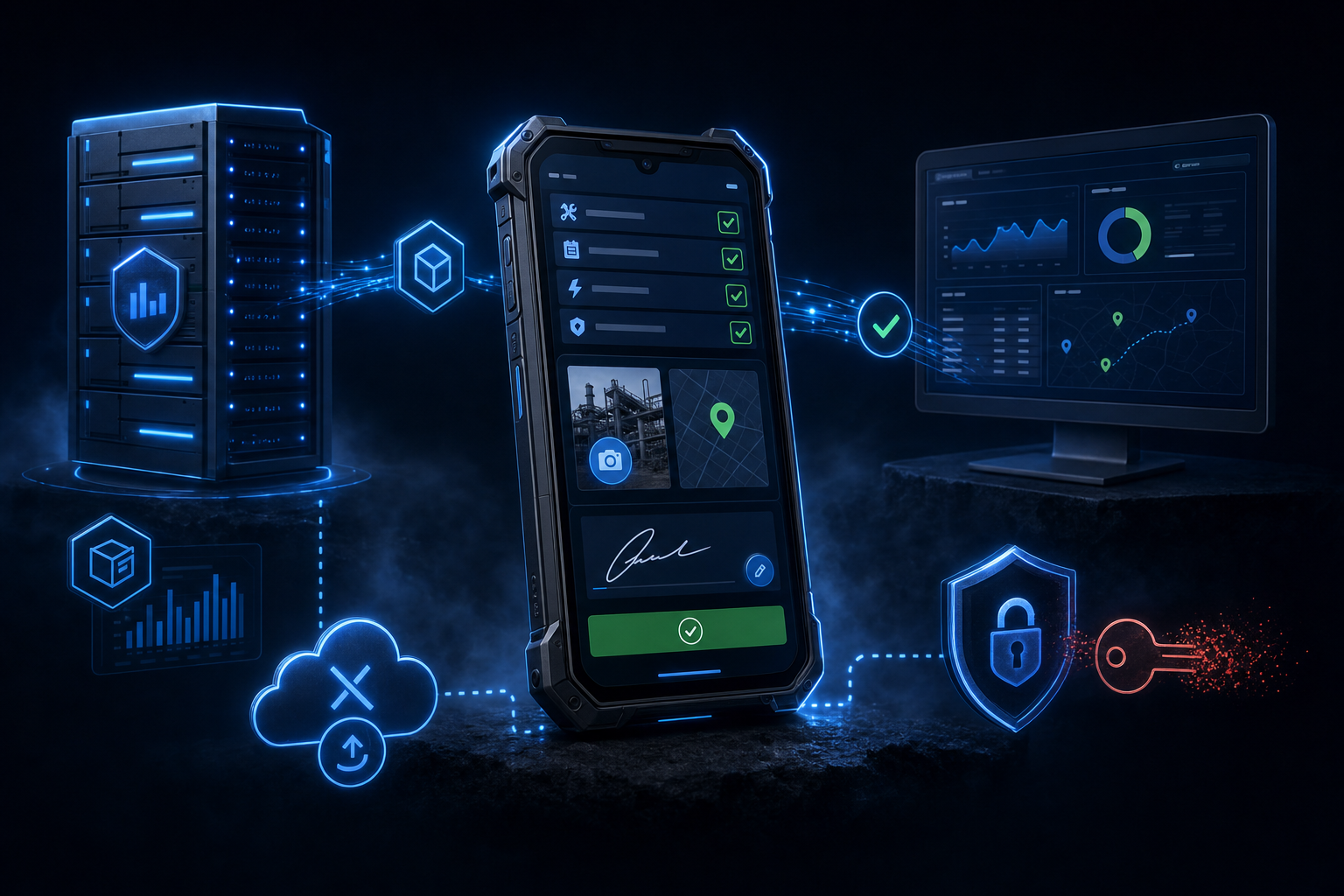
A field circuit with checklists and an on-screen signature, the ERP in the pocket and offline-first. An app where the job closes on site.
Goals we set for the website
- multiples
- faster field job closure
- offline
- work without signal on site
- 0
- corporate data in personal chats
Sound familiar?
Field staff carry paper forms and photograph them "to the chat" — data arrives by evening
To check stock or an order status, a field manager calls the office
Sites have no signal — and every "mobile solution" dies without internet
Corporate data lives in personal messengers: security on the honor system
Corporate Mobile App Development
What's included
Field processes
Job → visit → checklist → photos → client signature: the visit closes on site, not in the office at night
The ledger bridge
Stock, prices, order statuses from the ERP — the field manager answers the client without calling the office
Offline-first
A basement, a shop floor, a highway: the app works without signal and syncs when it returns
The security circuit
Corporate-account login, data encryption, instant access revocation for the departed
Private distribution
Rollout without public stores: only your employees ever see the app
The office console
Dispatch sees jobs, routes and photo reports the moment they're created — not tomorrow
How the project runs
How the project runs
- 1-2 weeks
Discovery & prototype
User flows, a clickable prototype, an estimate and release plan
- 2-3 weeks
UI design
Screens per iOS and Android guidelines, the app design system
- 6-14 weeks
Build & testing
Sprints with demo builds every two weeks; backend and integrations in parallel
- ongoing
Release & growth
App Store and Google Play publication, monitoring, metric-driven updates
The work happens in the field — and the data lives in the office
The classic gap of companies with field processes. The engineer, the sales rep, the installer work in the field, while the books, the forms and the approvals sit in the office. Paper, calls and messengers serve as the bridge. Data arrives by evening, gets lost along the way and carries no legal force. A corporate app closes the gap. The process gets executed and recorded where it happens. The office sees the result at the moment of creation, not the next day.
The field circuit: the job closes on site
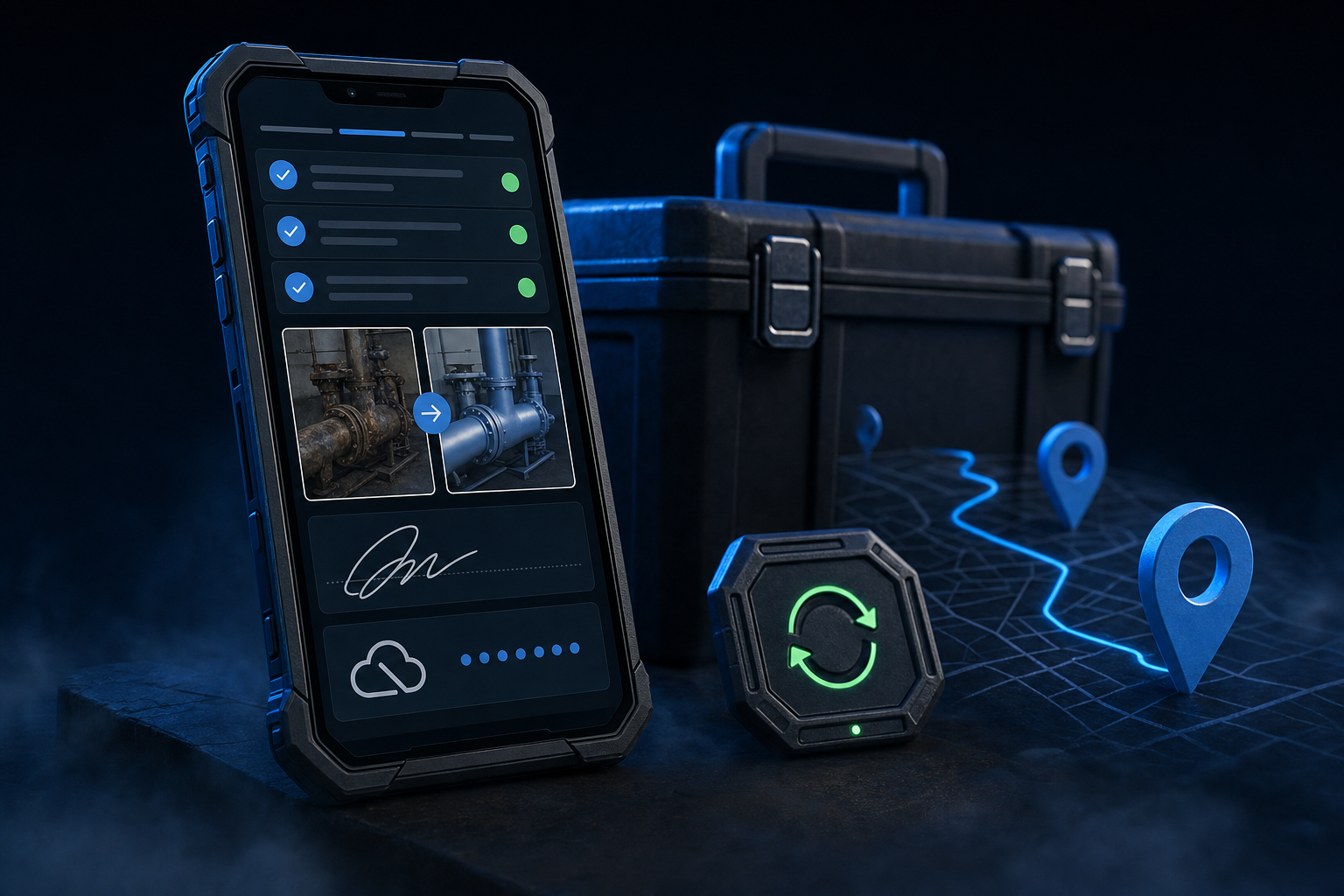
A job arrives in the engineer’s phone with the address and the history. On site — a checklist by protocol, photo capture with geotags, the client’s finger signature on the screen. The job is closed at the moment of leaving the site. The act is generated, the office is notified, the invoice can go out. In the service company director’s review, paperwork speed shrank the cash gap by a week. The money was found not in new clients but in the speed of their own process.
The bridge to the books: the ERP and CRM in the pocket
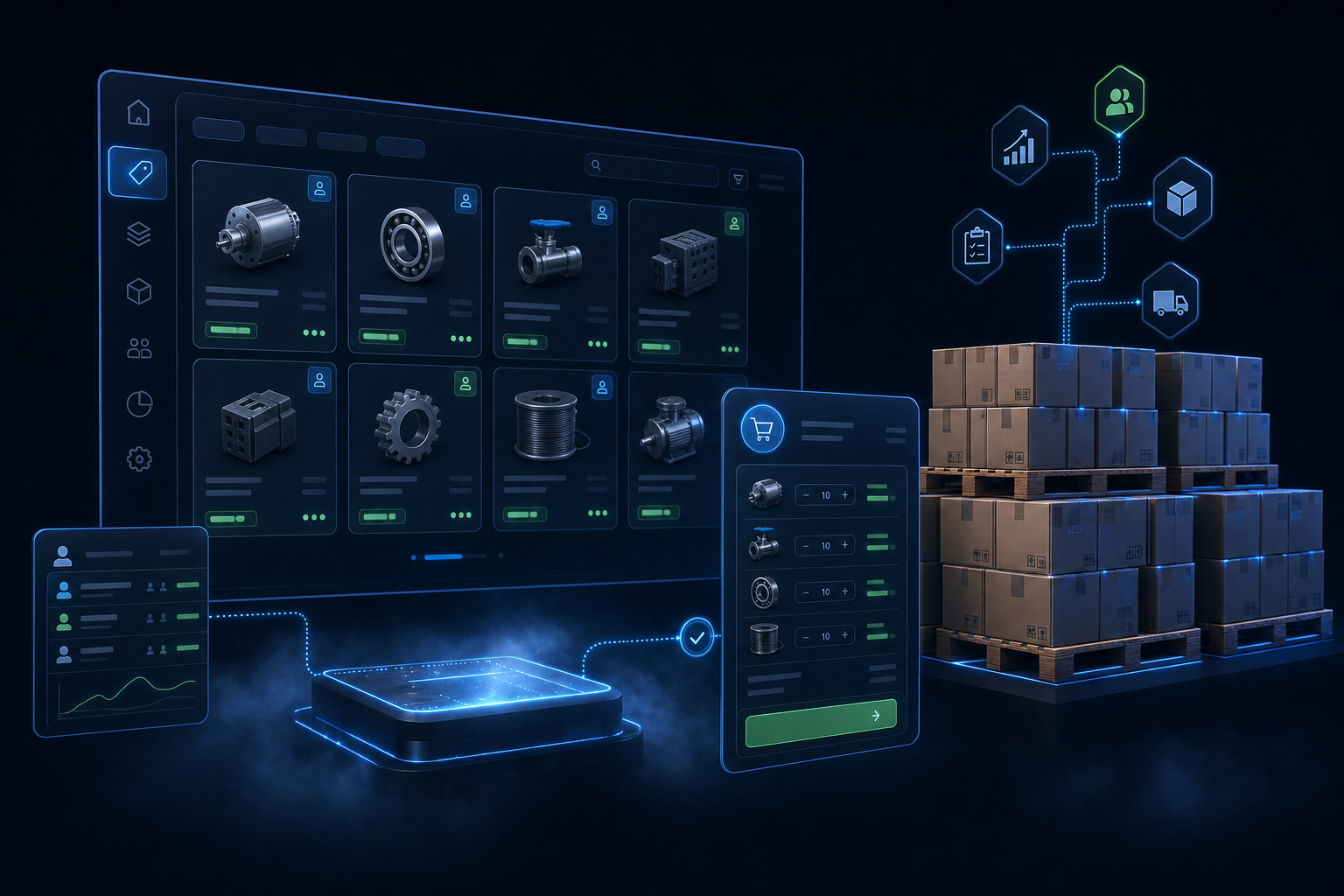
Half the field calls to the office are check-the-stock-price-status. The app answers by itself. Data from the ERP or CRM is available from the phone in the slice the employee needs. Stock at the shelf. The order’s status at the client’s. The site’s history on a job. In the head of reps’ review, orders “started assembling on the spot, and there are more of them”. Answer speed converts to sales directly. Integration experience is our profile, the cases sit nearby.
Offline-first: connectivity is not a work condition
Basements, shop floors, country roads — the corporate reality where cloud solutions die. We design offline-first. Directories and jobs live locally. Checklists and photos queue up. Sync happens when the network appears, with conflict resolution rather than data loss. The IT director’s requirement from the review — shop floors without signal — is not a limitation here but the architecture’s starting condition.
Security, distribution and the launch
Corporate data mustn’t live in personal messengers. Login through corporate accounts, encryption, role separation, a departed employee’s access revoked in one button. Distribution through closed channels without public stores, updates rolled out centrally. Launch in 12-18 weeks. Nearby sit the field-worker app case and our CRM and ERP projects. The mobile layer lands on an accounting foundation we know how to build too.
Related case study
Client reviews
Client reviews
Before the app, a job closed in the evening when the engineer delivered the papers. Now the checklist, photos and the client's signature leave the site, the invoice goes out within the hour. The cash gap shrank by a week purely from paperwork speed.
Stock and prices from the ERP in the phone is a small feature with a big effect. The rep answers the client at the shelf instead of I'll-check-and-call-back. Orders started assembling on the spot, and there are more of them.
The main requirement was security: shop floors with no signal, and data that mustn't live in messengers. We got an offline mode with honest sync and a circuit where a departed employee's access dies with one button.
Related solutions
Related solutions
Food Delivery App Development
A client app plus a courier circuit. A one-minute order, map tracking and pushes instead of retargeting. Your own channel instead of aggregator commissions.
Beauty Salon App Development
A two-tap booking with a specific stylist, pushes against no-shows and points instead of a stamped card. A salon app that brings clients back.
E-commerce Mobile App Development
One-tap checkout, pushes instead of expensive retargeting and the catalog from the same ERP. The app as the repeat-purchase channel.
FAQ
FAQ about mobile development
01How much does a corporate app cost?
From $14,000 for 12-18 weeks. That covers the field circuit, integration with your systems, the offline mode and security. The range depends on the number of roles, the integration depth and the offline logic. The quote follows a process audit.
02How do we distribute the app without public stores?
Through closed channels. Apple and Google corporate programs, MDM systems, signed builds for Android. The app doesn't show in public stores, installation is controlled, updates roll out centrally.
03What can the offline mode really do?
Full work, not a stub. Directories and jobs are stored locally, checklists get filled, photos get taken. Everything queues up and syncs when the network appears, with conflict resolution rather than data loss. We design from the worst connectivity scenario at your sites.
04Which systems do you integrate with?
ERPs, popular CRMs and custom systems, via API or an exchange. Integrations are our profile, see the neighboring service. The app becomes a mobile window into your books, not a separate base to maintain.
05Who administers users and access?
Your office, through a panel. Roles, permissions, department binding, access revocation in one button. Login goes through corporate accounts, so a departed employee loses access together with the account automatically.
Let’s discuss your project
Free estimate and a proposed solution within one day.